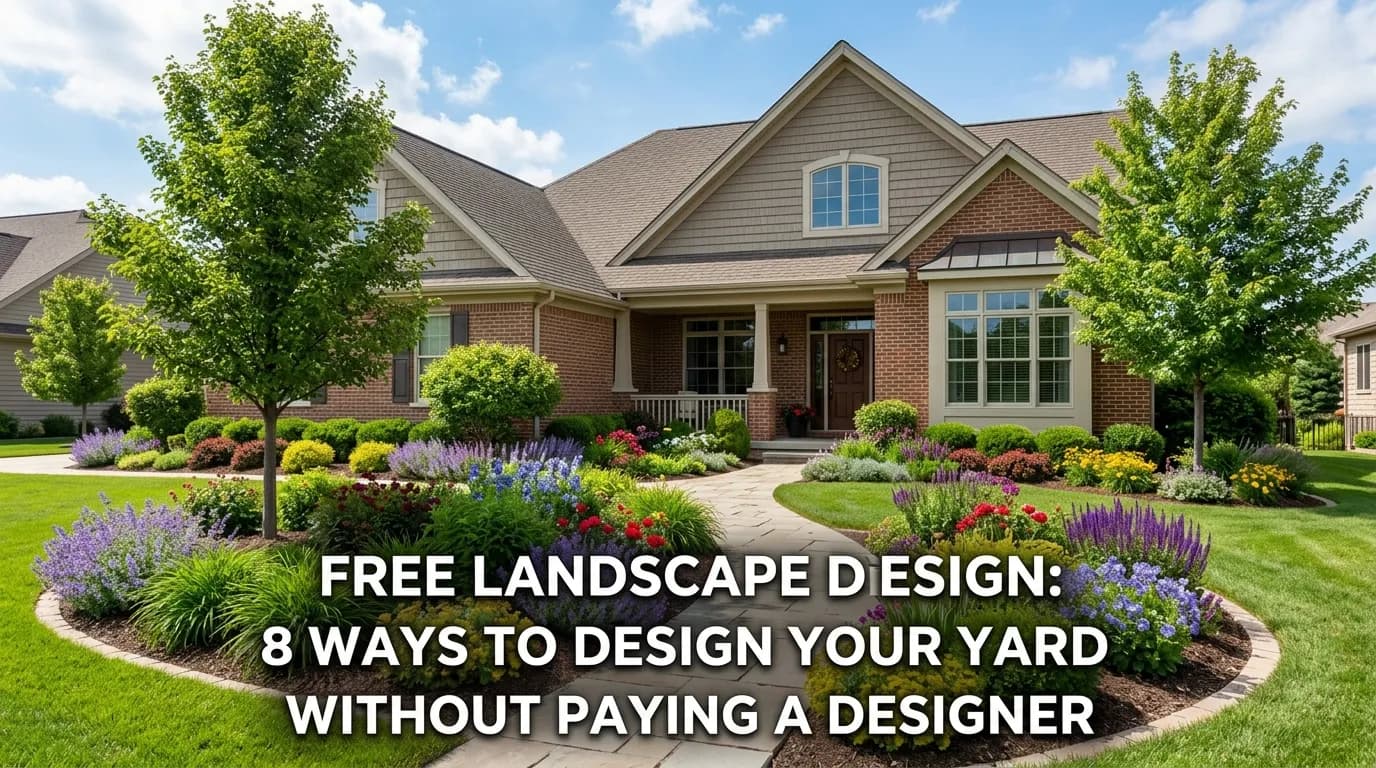
A professional landscape design used to cost $1,500–$7,500. Most homeowners either skipped the design phase entirely and winged it — or hired someone and felt they overpaid for pencil sketches that didn't match what actually got built.
Neither outcome is good. Going without a plan leads to expensive mistakes, poor plant placement, and years of regret. But most residential landscaping projects simply don't justify the cost of a full professional design.
The good news: free landscape design tools and resources have improved dramatically. This guide covers 8 real ways to design your yard for free — from AI tools to DIY apps to nursery consultations — and which ones are actually worth your time.
1. AI Landscape Design Tools (Free Preview)
The most powerful free landscape design option available today: AI tools that generate photorealistic designs of your actual yard.
The best of these tools let you upload photos of your yard, answer a short questionnaire about your style, budget, and maintenance preferences, and generate 3 distinct professional design concepts in under 60 seconds. You see all the designs for free — you only pay if you want to download the full package (plant lists, cost estimates, contractor-ready PDF).
What you get for free:
- 3 photorealistic design renders overlaid on your yard photos
- All 3 designs visible before any payment
- Visual concepts showing different styles (modern, cottage, tropical, native, etc.)
What's included if you upgrade ($29):
- Full plant list with quantities, zone recommendations, and nursery prices
- Phased cost estimate (year 1, year 3, year 5)
- 44-page contractor-ready PDF
- Lighting and irrigation zone plan
- Care and maintenance guide
For homeowners who just want to see what's possible — to visualize a transformation, explore different styles, or show a contractor a general direction — the free preview is often enough.
See 3 free AI landscape designs for your yard — no credit card required →
2. Free Landscape Design Apps
Several mobile apps let you design your own landscape for free — though you do the design work yourself rather than having AI do it for you.
iScape (iOS/Android) — Drag-and-drop landscape design on an aerial view of your yard (using Google Maps satellite data). Includes a library of plants and hardscape elements. Free tier includes basic functionality; paid tier unlocks more plant library and export options. Best for: rough spatial planning, understanding how many plants you need for a given area.
Home Outside (iOS/Android) — Created by a landscape designer, this app walks you through a guided design process for your outdoor space. Free to use with in-app purchases for premium content. Better than iScape for guiding design decisions; less flexible for custom layouts.
Planter (iOS/Android/web) — Specifically for vegetable garden planning. Free to plan your raised bed layout, see companion planting combinations, and generate planting schedules. Best free tool in its category.
Garden Planner by Vegetable Garden Planner — Web-based drag-and-drop vegetable and ornamental garden planner. Free trial; subscription for full access. Good for plot-scale planning.
Limitations of free apps: You're doing all the design work. If you don't have a background in landscape design, the output reflects your level of design knowledge — not a professional's. The tools are also mostly 2D and don't produce photorealistic renders.
3. Nursery Free Design Consultations
Many local nurseries and garden centers offer free design consultations as a service — understanding that a customer who has a plan will buy more plants and return for materials.
How to approach it:
- 1Call ahead and ask if they offer free design consultations
- 2Bring photos of your yard, rough measurements, and a description of your goals
- 3Ask the nursery staff for a planting plan specific to your conditions
What you typically get: Plant selection recommendations, rough quantities, and spacing advice. Usually verbal or written notes rather than a formal drawn plan.
Quality varies widely. A large, well-staffed nursery with a horticulturally trained staff is an excellent free resource. A big-box garden department is not.
Best for: Plant selection and quantities for a project you've already spatially planned. Not great for overall design concept or layout decisions.
4. University Extension Service Resources
Every U.S. state has a cooperative extension service affiliated with its land-grant university. Extension services provide research-based, free horticultural guidance — including plant recommendations, soil testing, and sometimes basic landscape design help.
Free resources typically available:
- Plant selection guides by region and growing condition
- Soil testing services ($15–$30) with detailed amendment recommendations
- Free phone consultations with extension agents
- Master Gardener programs: trained volunteers available at plant clinics and garden events
Where to find it: Search "[your state] cooperative extension service" and look for their Master Gardener or home horticulture programs.
Best for: Getting authoritative plant recommendations for your specific region, understanding your soil, and getting reliable information without commercial bias.
> Not sure which plants are right for your climate? Yardcast's AI landscape designs automatically select zone-appropriate plants for your region. Generate your free design preview →
5. HOA and Community Garden Resources
If you live in a community with a homeowners association or a community garden, check whether design resources are available:
- Some HOAs maintain lists of pre-approved plants and will share past resident designs for inspiration
- Community gardens often have experienced volunteers happy to share planting and design knowledge
- Some cities have urban greening programs that offer free yard assessments and plant giveaways for residents who agree to add native plants or trees
6. Free Online Landscape Design Courses
Learning the fundamentals of landscape design takes you from randomly buying plants at the nursery to making intentional, coordinated decisions that produce a cohesive result.
Free resources:
- Coursera landscape design courses — Several universities offer free auditing of landscape design fundamentals courses
- YouTube channels — "The Impatient Gardener," "Garden Answer," and landscape architect Paul Tukey have excellent free content
- Pinterest — Collecting reference images for your style before starting is free and valuable; knowing what you like makes every subsequent decision easier
- Houzz — The ideabook feature lets you save and organize inspiration images; free and extremely useful for developing a design direction
Best for: Homeowners who want to develop lasting landscape design skills, not just get a one-time plan.
7. Contractor Consultation (Often Free)
Many landscape contractors will provide a free on-site consultation as part of their sales process. While the goal is to get your business, a knowledgeable contractor can often provide:
- Honest assessment of what's causing existing landscape problems
- Rough cost ranges for different scope scenarios
- Recommendations for which areas to prioritize
- Plant suggestions appropriate for your site
How to get the most from it: Get consultations from 2–3 contractors, not just one. Comparing their recommendations reveals which suggestions are genuine expertise versus sales-driven.
Limitation: Contractors are selling their services, not providing neutral design advice. Their designs tend to favor what they're comfortable building and what's profitable for them — not necessarily what's optimal for your long-term landscape.
8. Free Landscape Design Plans Online
Several sources offer free downloadable landscape design plans that you can adapt to your yard:
- The Spruce and similar gardening websites publish dozens of free planting plan diagrams for specific scenarios (front yard foundation planting, privacy hedge, pollinator garden, etc.)
- University extension services publish region-specific planting plans for common residential applications
- Native plant societies often offer free planting plans featuring native plants appropriate to your region
- USDA PLANTS database — Free, comprehensive plant information for any species in the U.S.
These templates require adaptation — your yard's conditions and dimensions won't match exactly — but they're valuable starting frameworks.
Which Free Landscape Design Option Is Right for You?
| Goal | Best Free Option |
|---|---|
| See what your yard could look like | AI design tool (Yardcast free preview) |
| Plan a vegetable garden layout | Planter app |
| Rough spatial planning for any project | iScape app |
| Get plant recommendations from an expert | Nursery consultation or Extension service |
| Learn design principles | Coursera + YouTube + Houzz |
| Get a rough cost estimate | Contractor consultations (2–3) |
| Find region-specific planting plans | Extension service + native plant society |
The Limits of Free Landscape Design
Free tools and resources are excellent for conceptual planning, plant selection, and inspiration. But there are situations where free options genuinely aren't sufficient:
Drainage engineering — If your yard has standing water, water intrusion near the foundation, or significant erosion, you need a professional site assessment. Free tools can't diagnose or engineer solutions for these problems.
Retaining walls over 4 feet — Most municipalities require permits and engineered drawings for retaining walls over 4 feet. A landscape architect or civil engineer is needed.
Permit-required construction — Pergolas, outbuildings, significant grade changes, and some fencing require permits. The permitting process may require professionally drawn plans.
Projects over $25,000 — At higher budgets, the cost of professional design is proportionally smaller and the risk of expensive mistakes is proportionally higher. A good landscape architect or designer at this scale often saves money by preventing costly errors.
For projects under $25,000 — which describes the majority of residential landscaping — free tools, especially AI design tools, are fully adequate to plan and execute a high-quality result.
Making the Most of Free Landscape Design Tools
Whether you use an AI tool, an app, or a combination of free resources, these habits improve your results:
Collect reference images first. Before using any design tool, spend 20–30 minutes on Pinterest, Houzz, or Google Images saving photos of landscapes you love. Understanding your aesthetic preferences makes every subsequent decision faster and more confident.
Start with problems, not aesthetics. Before designing anything, identify what's wrong with your current landscape: poor drainage? no privacy? no shade? ugly foundation plantings? Solving these problems should drive the design. Aesthetics come second.
Measure first. Even rough measurements (paced out in your yard) make design planning much more useful. Knowing you have a 20×30 foot space versus a 50×80 foot space changes plant quantities, spacing decisions, and hardscape proportions dramatically.
Think in zones. Before picking plants, decide on zones: where will people sit? Where will kids play? Where is the vegetable garden? Where is the privacy screen? What areas are just for visual enjoyment? Zones make planting decisions much easier because each zone has clear requirements.
Phase the project. You don't need to do everything at once. A good landscape plan includes phases — what to do in year 1, year 3, and year 5 — based on budget and plant maturity. AI tools like Yardcast include phased installation plans in their full packages.
FAQ: Free Landscape Design
Q: Are free landscape design apps really free?
A: Most have a free tier with basic functionality and a paid tier with more features. iScape is free for basic use; Planter offers free access with premium upgrades for advanced features. AI tools like Yardcast offer free design previews before you decide to pay for the full package.
Q: Can a free AI landscape design tool replace a landscape architect?
A: For most residential projects under $25,000, yes. AI tools generate professional-quality designs at a fraction of the cost. For complex projects with drainage issues, significant grade changes, or projects over $25,000 where construction risk is higher, professional consultation adds value that AI tools can't fully provide.
Q: How accurate are free landscape design renders?
A: AI-generated renders are accurate visual representations of what a design direction could look like. They're not construction documents — plants may vary slightly from shown sizes, and exact spacing needs confirmation with a local nursery. For conceptual visualization and contractor communication, they're highly effective.
Q: What's the difference between free and paid landscape design?
A: Free preview shows you the design concepts. Paid packages typically include the full plant list with quantities and nursery prices, detailed cost estimates by phase, contractor-ready PDF documentation, and lighting and irrigation plans. The free preview answers "what could my yard look like?" The full package answers "how do I actually build this?"
Q: Can I use a free landscape design for an HOA approval?
A: Yes, in most cases. AI-generated design renders showing plant locations, materials, and general design intent are sufficient for most HOA review processes. If your HOA requires a licensed landscape architect's stamp, that's uncommon but does occur in some communities.
Q: How long does free AI landscape design take?
A: Most AI landscape design tools, including Yardcast, generate 3 design concepts in 30–90 seconds after you upload your photos and answer the questionnaire. The full questionnaire takes about 2 minutes to complete. Total time from start to seeing your first free designs: approximately 3–5 minutes.
Q: Do I need landscape design experience to use free AI tools?
A: No experience needed. AI design tools are built specifically for homeowners without design backgrounds. You answer plain-language questions about your style, budget, maintenance preferences, and what you use your yard for — the AI handles all the design decisions.
Q: What if I don't like the free AI designs?
A: Most AI tools let you adjust inputs and regenerate. Change the style, budget, or features and generate new concepts. With Yardcast, you preview all designs for free before deciding whether to purchase — so you're never paying for something you don't like.